Virtual
Wednesday, August 26
|
12:00 pm – 1:00 pm PT
Cost:
$100
August Virtual Webinar | “Do Less, Be More”
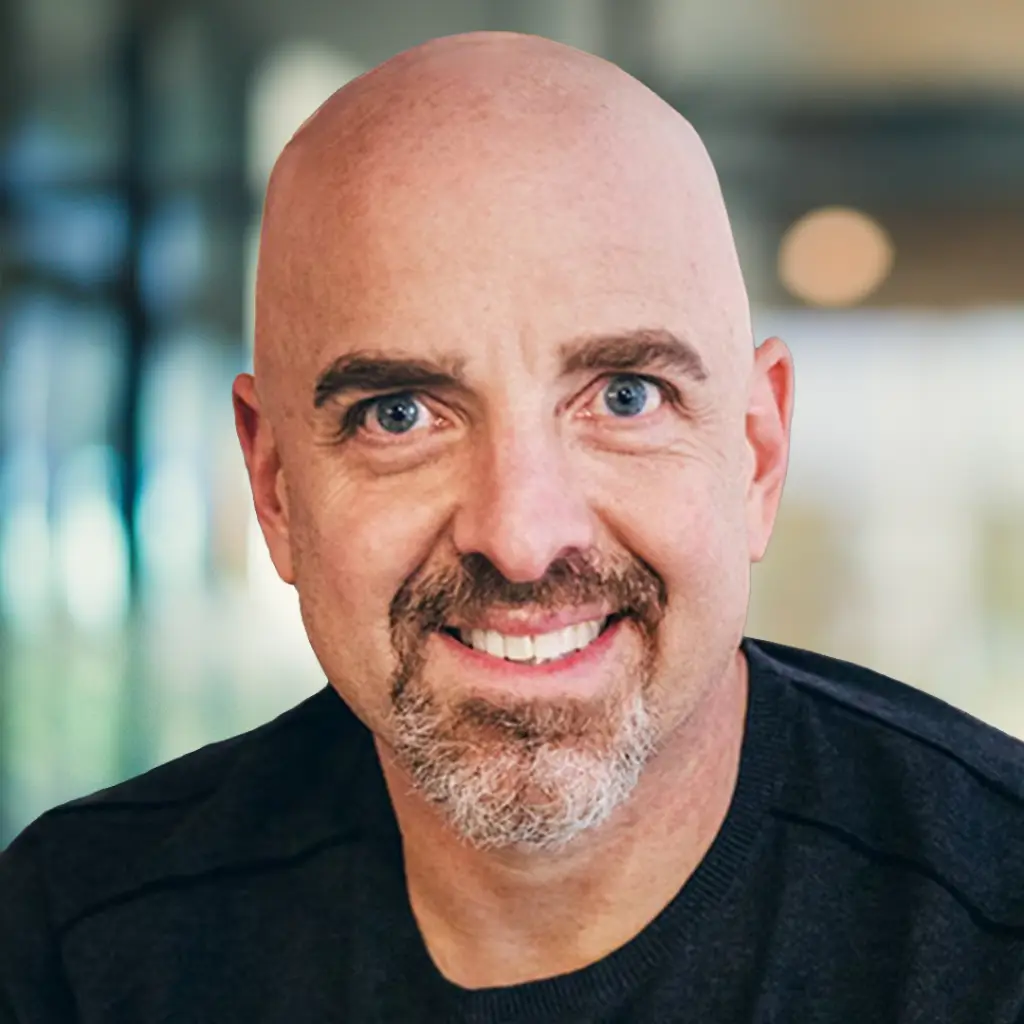
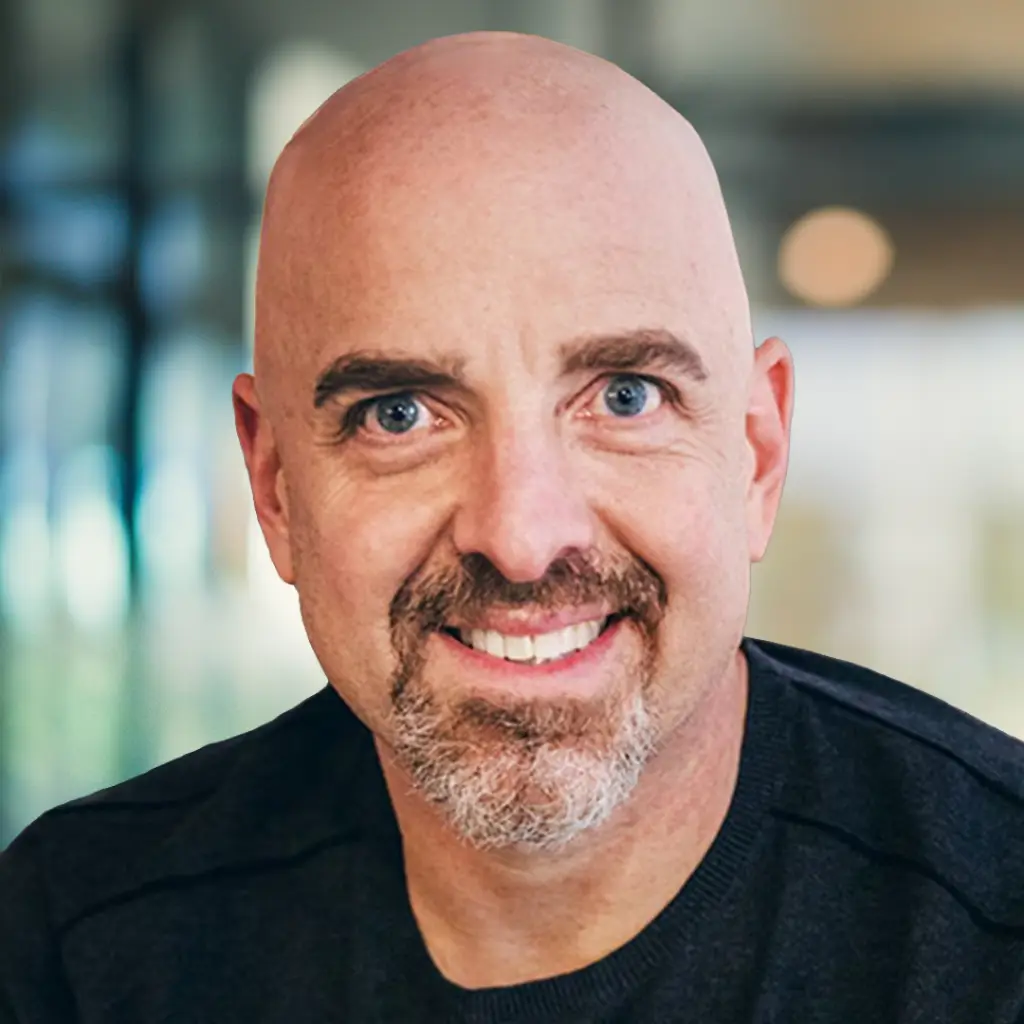
Led by Joyce Chen, Jim Fallon, Kate Hutson, and Michael Norton
As technology automates doing, it’s more important than ever to drop into being — and claim what is most human.
What You’ll Walk Away With
What We'll Cover
01 —What emerges when we relinquish the identity of doing
02 — An overview of CLG's four pillars of integrity and how to cultivate being
03 — Aliveness practices for embodying your fullest presence as a leader
You'll Learn How To
01 — What emerges when we relinquish the identity of doing
02 — An overview of CLG's four pillars of integrity and how to cultivate being
03 — Aliveness practices for embodying your fullest presence as a leader
Your Guides
Join the CLG Coaching Team for a live, one-hour session on being the being in an AI world.
Who This Is For
- Leaders navigating rapid technological change
- Those seeking full aliveness — not just productivity
- Executives wanting to deepen their leadership presence
- Anyone ready to become what this moment is calling forward from leaders
Who Is This NOT For
This probably isn’t your session if you’re after productivity tactics or AI tools — we’re here to help you lead from a different consciousness, not do more, faster. It’s also not a fit if you’d rather passively watch than practice. It’s designed for leaders who sense there’s a more alive way to lead and are ready to step toward it.
Questions?
One hour. A different way of being.
$100 · Live Webinar · Wednesday, August 26, 2026
Frequently Asked Questions
Who is this for?
In a world where AI handles more of the doing, your team needs something technology can’t replicate: a leader with deep groundedness, the presence to guide them through what’s next, and a vision for what leadership is becoming.
- Leaders navigating rapid technological change
- Those seeking full aliveness — not just productivity
- Executives wanting to deepen their leadership presence
- Anyone ready to become what this moment is calling forward from leaders
Who is this NOT for?
This probably isn’t your session if you’re after productivity tactics or AI tools — we’re here to help you lead from a different consciousness, not do more, faster. It’s also not a fit if you’d rather passively watch than practice. It’s designed for leaders who sense there’s a more alive way to lead and are ready to step toward it.
I registered but did not receive a confirmation email. What should I do?
Please check your spam, promotions, or junk folder first. If you still do not see it, email the CLG team at [email protected], and we will help confirm your registration.
Can I forward my Zoom link to someone else?
No. Please do not forward your personal Zoom link. Some links are unique to each registrant. If someone else would like to attend, please send them the registration page so they can register directly.
What time should I join?
We recommend joining 5 minutes early so you have time to settle in, test your audio, and make sure Zoom is working properly.
Do I need to prepare anything before the webinar?
If there is any pre-work, reflection prompt, or resource to review, we will send it before the webinar. Otherwise, just come with a quiet place to join, something to write with, and your willingness to participate.
What platform will the webinar be held on?
The webinar will be held on Zoom. Your confirmation and reminder emails will include the Zoom link.
Do I need a Zoom account to attend?
In most cases, you do not need a paid Zoom account. You may be prompted to download Zoom or open Zoom in your browser.
What should I do if my Zoom link is not working?
First, try closing Zoom and clicking the link again. If that does not work, copy and paste the link into your browser. If you are still having trouble, email the CLG team or reply to your reminder email so we can support you.
What should I do if I cannot hear anything?
Try these steps:
- Make sure your computer volume is turned up.
- Check that Zoom is using the correct speaker.
- Click “Join Audio” if you have not already.
- Leave the Zoom room and rejoin.
- Try headphones or switch to computer audio.
What should I do if my microphone is not working?
Most webinars begin with participants muted. If you are invited to speak and your microphone is not working, check that Zoom is using the correct microphone, make sure you are not muted, and try leaving and rejoining audio.
What if my internet connection drops?
Use the same Zoom link to rejoin. If you miss part of the webinar, you may be able to access the replay afterward if a replay is being shared.
Will I be on camera?
That depends on the webinar format. Some webinars may invite participants to be on camera for interaction, reflection, or breakout rooms. Others may be more teaching-based. We encourage you to join from a place where you feel comfortable participating.
Will I be muted?
Most webinars begin with participants muted to reduce background noise. If the host invites verbal sharing, you may be asked to unmute.
How should I use the chat?
Use the chat for reflections, questions, and responses to prompts from the host. Please keep comments relevant to the session and avoid side conversations that may distract from the group experience.
Will there be breakout rooms?
Some webinars include breakout rooms for reflection, discussion, or practice. If breakouts are part of the session, the host will give clear instructions before you are moved into a room.
Do I have to participate in breakout rooms?
We invite participation because the work is often more powerful when it is practiced, not just understood. If you need to step away or do not feel able to participate, you may let the group know simply and respectfully.
What if I get placed in the wrong breakout room or have an issue?
Click “Ask for Help” in the breakout room, or return to the main session if Zoom gives you that option. The CLG team will help redirect you.
Can I ask questions during the webinar?
Yes. The host will explain whether questions should go in the chat, Q&A box, or be saved for a specific section. We may not be able to answer every question live, but we do review questions as part of our follow-up.
Will the webinar be recorded?
Most CLG webinars are recorded, but not all recordings are shared publicly. If a replay will be available, we will let you know in the follow-up email.
When will the replay be sent?
If a replay is available, it is typically sent after the webinar through the follow-up email.
Can I share the replay with someone else?
Please do not share replay links unless CLG has clearly stated that the replay is public. Some replays are intended only for registered participants.
What if the recording fails?
If there is a recording issue, we will send available resources, next steps, or a written summary when possible.
Will I receive resources after the webinar?
If resources, slides, handouts, links, or next steps were promised during the webinar, they will be included in the follow-up email.
How do I take the next step with CLG after the webinar?
The host will share the next step during the webinar. This may include registering for a program, applying for a cohort, scheduling a call, or reviewing a specific resource.
I want to speak with someone about working with CLG. What should I do?
Use the link provided during the webinar or in the follow-up email. If you are unsure where to go, reply to the webinar email and we will direct you to the right person.
I attended but did not receive the follow-up email. What should I do?
Please check your spam, promotions, or junk folder first. If you still do not see it, email CLG or reply to your original registration confirmation.
What is expected of participants?
We invite participants to show up with presence, curiosity, and respect for the group. Please participate in a way that supports your own learning and the learning of others.
Can I record the webinar myself?
No. Please do not record the webinar, take screenshots of participants, or share private participant comments without permission.
Is what I share confidential?
CLG asks participants to respect the privacy of others. Please do not share another participant’s personal story, question, or comment outside the session without their permission.
What if I need to leave early?
You are welcome to leave if needed. Please do so quietly. If there is a replay or follow-up resource, it will be shared afterward when available.
How do I register for the webinar?
Please use the registration link provided in your email or on the event page. Once you register, you should receive a confirmation email with the webinar details and Zoom access information.
I registered but did not receive a confirmation email. What should I do?
Please check your spam, promotions, or junk folder first. If you still do not see it, email the CLG team at [email protected], and we will help confirm your registration.
Can I forward my Zoom link to someone else?
No. Please do not forward your personal Zoom link. Some links are unique to each registrant. If someone else would like to attend, please send them the registration page so they can register directly.
What time should I join?
We recommend joining 5 minutes early so you have time to settle in, test your audio, and make sure Zoom is working properly.
Do I need to prepare anything before the webinar?
If there is any pre-work, reflection prompt, or resource to review, we will send it before the webinar. Otherwise, just come with a quiet place to join, something to write with, and your willingness to participate.
What platform will the webinar be held on?
The webinar will be held on Zoom. Your confirmation and reminder emails will include the Zoom link.
Do I need a Zoom account to attend?
In most cases, you do not need a paid Zoom account. You may be prompted to download Zoom or open Zoom in your browser.
What should I do if my Zoom link is not working?
First, try closing Zoom and clicking the link again. If that does not work, copy and paste the link into your browser. If you are still having trouble, email the CLG team or reply to your reminder email so we can support you.
What should I do if I cannot hear anything?
Try these steps:
- Make sure your computer volume is turned up.
- Check that Zoom is using the correct speaker.
- Click “Join Audio” if you have not already.
- Leave the Zoom room and rejoin.
- Try headphones or switch to computer audio.
What should I do if my microphone is not working?
Most webinars begin with participants muted. If you are invited to speak and your microphone is not working, check that Zoom is using the correct microphone, make sure you are not muted, and try leaving and rejoining audio.
What if my internet connection drops?
Use the same Zoom link to rejoin. If you miss part of the webinar, you may be able to access the replay afterward if a replay is being shared.
Will I be on camera?
That depends on the webinar format. Some webinars may invite participants to be on camera for interaction, reflection, or breakout rooms. Others may be more teaching-based. We encourage you to join from a place where you feel comfortable participating.
Will I be muted?
Most webinars begin with participants muted to reduce background noise. If the host invites verbal sharing, you may be asked to unmute.
How should I use the chat?
Use the chat for reflections, questions, and responses to prompts from the host. Please keep comments relevant to the session and avoid side conversations that may distract from the group experience.
Will there be breakout rooms?
Some webinars include breakout rooms for reflection, discussion, or practice. If breakouts are part of the session, the host will give clear instructions before you are moved into a room.
Do I have to participate in breakout rooms?
We invite participation because the work is often more powerful when it is practiced, not just understood. If you need to step away or do not feel able to participate, you may let the group know simply and respectfully.
What if I get placed in the wrong breakout room or have an issue?
Click “Ask for Help” in the breakout room, or return to the main session if Zoom gives you that option. The CLG team will help redirect you.
Can I ask questions during the webinar?
Yes. The host will explain whether questions should go in the chat, Q&A box, or be saved for a specific section. We may not be able to answer every question live, but we do review questions as part of our follow-up.
Will the webinar be recorded?
Most CLG webinars are recorded, but not all recordings are shared publicly. If a replay will be available, we will let you know in the follow-up email.
When will the replay be sent?
If a replay is available, it is typically sent after the webinar through the follow-up email.
Can I share the replay with someone else?
Please do not share replay links unless CLG has clearly stated that the replay is public. Some replays are intended only for registered participants.
What if the recording fails?
If there is a recording issue, we will send available resources, next steps, or a written summary when possible.
Will I receive resources after the webinar?
If resources, slides, handouts, links, or next steps were promised during the webinar, they will be included in the follow-up email.
How do I take the next step with CLG after the webinar?
The host will share the next step during the webinar. This may include registering for a program, applying for a cohort, scheduling a call, or reviewing a specific resource.
I want to speak with someone about working with CLG. What should I do?
Use the link provided during the webinar or in the follow-up email. If you are unsure where to go, reply to the webinar email and we will direct you to the right person.
I attended but did not receive the follow-up email. What should I do?
Please check your spam, promotions, or junk folder first. If you still do not see it, email CLG or reply to your original registration confirmation.
What is expected of participants?
We invite participants to show up with presence, curiosity, and respect for the group. Please participate in a way that supports your own learning and the learning of others.
Can I record the webinar myself?
No. Please do not record the webinar, take screenshots of participants, or share private participant comments without permission.
Is what I share confidential?
CLG asks participants to respect the privacy of others. Please do not share another participant’s personal story, question, or comment outside the session without their permission.
What if I need to leave early?
You are welcome to leave if needed. Please do so quietly. If there is a replay or follow-up resource, it will be shared afterward when available.